
The Notes section in Scribe works as follows:
- Notes need to be typed
- Notes can be taken before and during all stages of a consultation
- Notes need to be saved
- Notes are for additional content or context you have not mentioned in your consultation
- Content you want to be included in the output but you do not want to share with the patient, e.g. observations, medication names, etc.
- All notes belonging to the consultation will be included in the final output (in the generated documents)
Click to open the Notes section: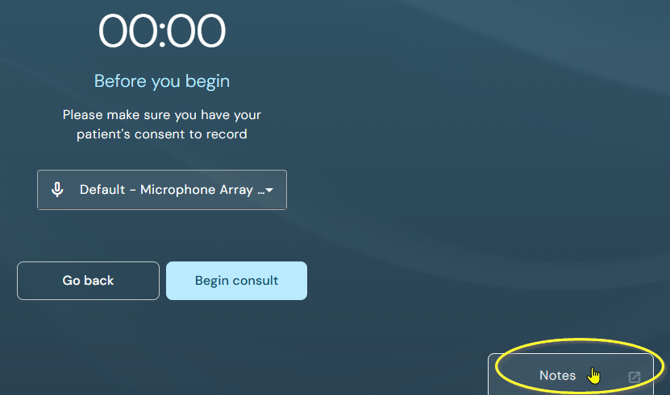
Notes section during the recording of a consultation: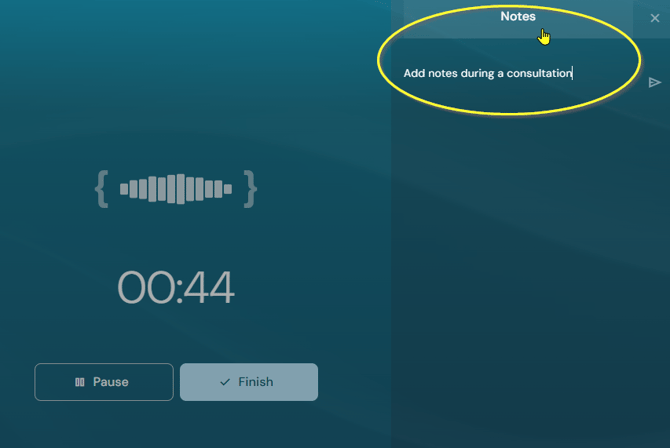
Notes section in pause mode: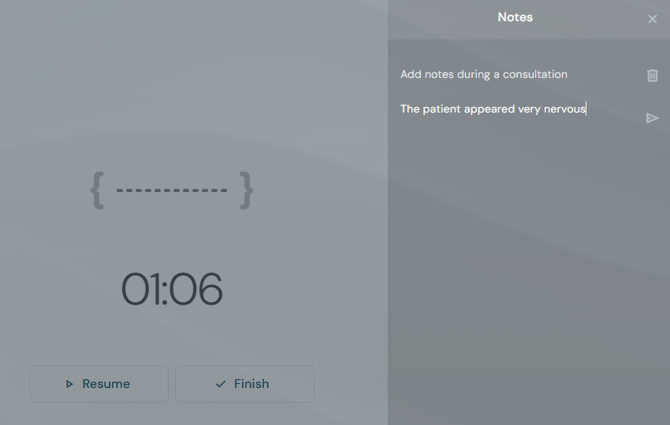
Type your note and click on the arrow to save it to the consultation.
Notes can be deleted via the bin icon.
If you have any more queries, please do not hesitate to contact our Helpdesk or support@tpro.io.
© 2026