
You are logged into the Web Recorder (https://app.tpro.io/authentication).
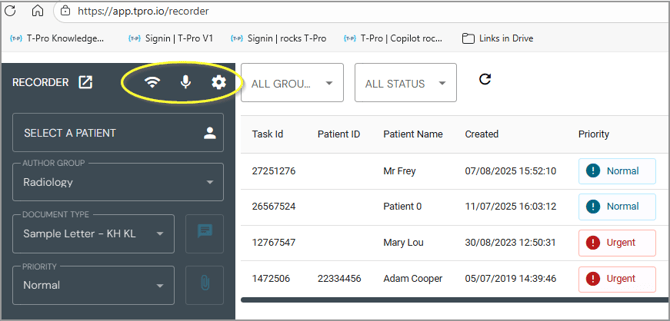
At the top of the Recorder section you see icons for:
-
Internet connectivity
-
Microphone
-
Settings
Move your mouse over the icons to display information.
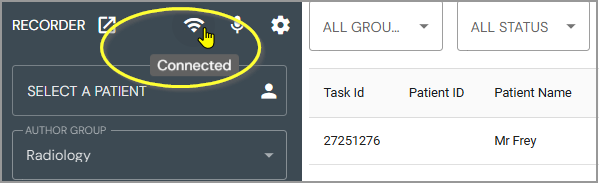
Connected to the internet
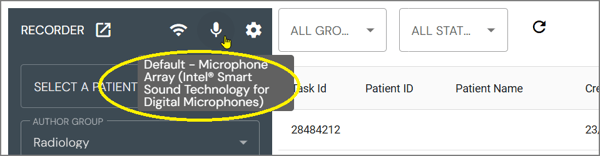
View the current microphone selection (default microphone)
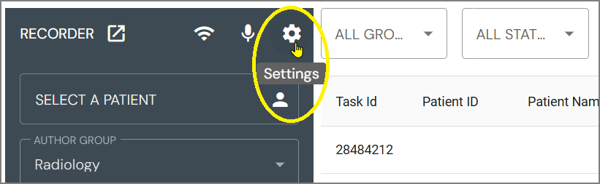
Click to access the Settings
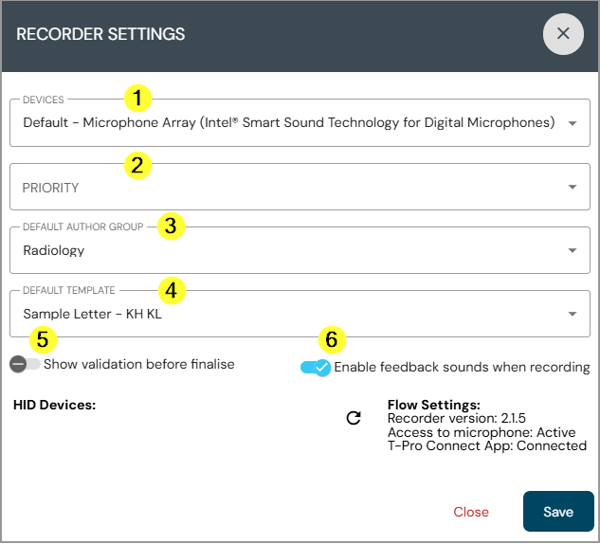
Under RECORDER SETTINGS you can set the default selection for the following options:
-
DEVICES - this is your microphone; if you work with an external microphone, click into the field and select another option from the list.
Your selection is kept as the default device.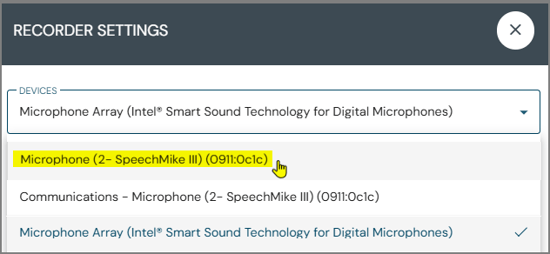
- PRIORITY - set the default priority for your recordings
Note, that you can individually change this for a task in the recorder interface. - DEFAULT AUTHOR GROUP - select the author group you are mainly working for
Again, you can change this individually if you dictate for a different group in the recorder interface
If you dictate in batches for one or another group you would change this here in the settings accordingly. - DEFAULT TEMPLATE - set the template you mainly use for your tasks
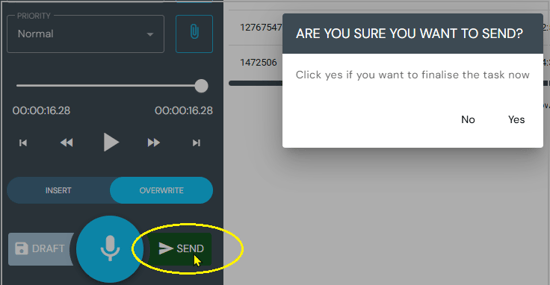
- Activate this option if you want to see a confirmation prompt before sending a task
- Audio signal - activate this option if you want to hear a beep every time you start or stop your recording
At the bottom of the settings window you can see information on HID Devices if you use them (e.g. an external mic).
Furthermore you can look up the recorder version, microphone access, etc.
=> Save your changes before closing the window.
If you have any more queries, please do not hesitate to contact our Helpdesk or support@tpro.io.
© 2026