
Before you start
You need a Windows PC with a foot pedal or external microphone connected.
Download the installer for your region:
By default, the file is saved in Downloads on your computer. The example shows
TProDeviceControllerInstaller-1.3.0.8-Web-EMEA.msi.If you have already downloaded the Web Recorder desktop shortcut and been redirected from the Web Recorder page, skip the download. Follow the installation steps below.
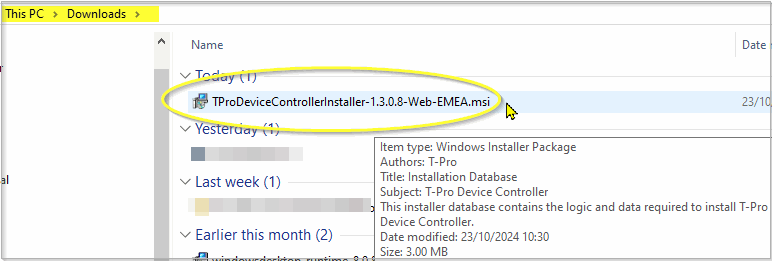
Double-click the installer file.
=> The T-Pro Device Controller Setup Wizard opens.
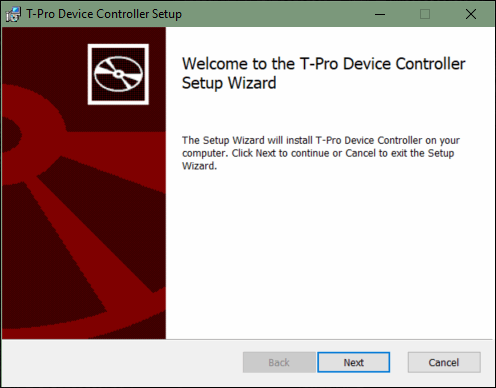
Click Next to open the installation options.
We recommend keeping the default options shown:
- Run Device Controller automatically after Windows startup. is ticked.
- Run Device Controller automatically after installation. is ticked.
- Open T-Pro Web in a headless browser (deselect to open in a normal tab). is unticked.
Leave the advanced options unticked for a normal installation: Virtual Channel Plugin., Virtual Channel server installation. and Enable external connections (contact your administrator).
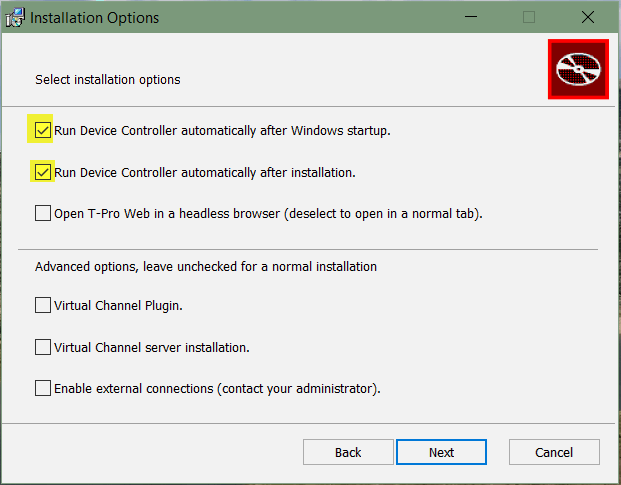
Click Next to open Destination Folder.
We recommend keeping the default location:
C:\Program Files (x86)\T-Pro Device Controller\. To choose another folder, click Change....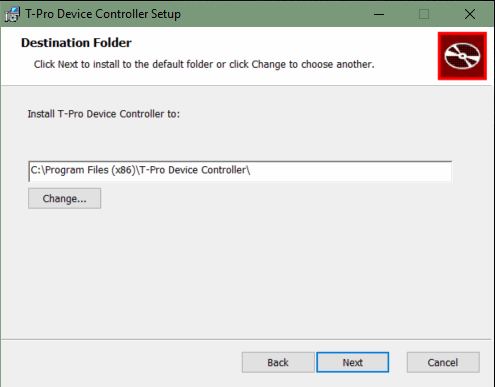
Click Next.
=> The wizard is ready to install the T-Pro Device Controller.
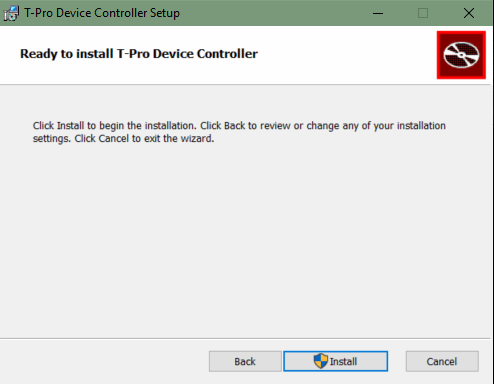
Click Install.
=> The wizard shows the installation progress. Wait for it to finish.
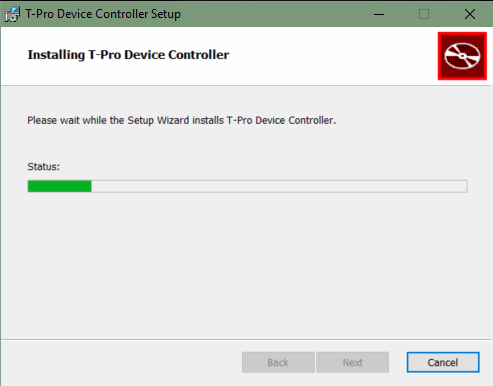
Once the installation completes successfully, click Finish to close the wizard.
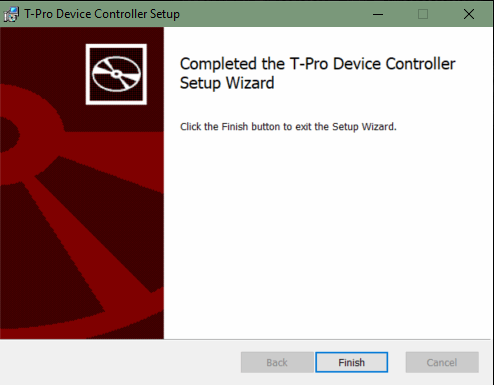
=> The T-Pro Device Controller is running in the Windows system tray. The example shows
TProDeviceController-1.3.0.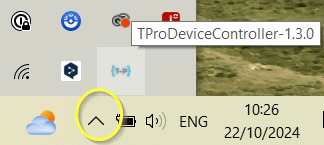
You should now be able to use your foot pedal or external microphone with the T-Pro web application.
If you have any more queries, please do not hesitate to contact our Helpdesk or support@tpro.io.
© 2020 - 2026