
Before you start
These steps are for authors using a Philips SpeechMike microphone in Google Chrome.
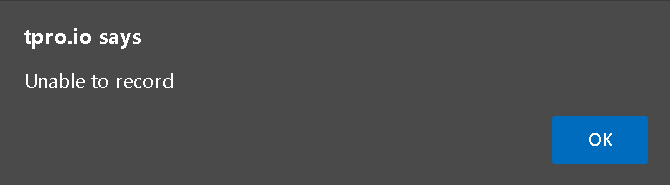
Check whether you see “Unable to record” when you try to start recording.
Visit Speech Processing Solutions GmbH support for information and to download its help tool.
Follow the instructions to set a supported sampling rate for your Philips SpeechMike microphone.
NOTE:
- A Google Chrome update stopped supporting the previously set sampling rate of Philips SpeechMike devices (default 22050).
- The help tool provides a workaround until a permanent solution is available.
Can't record in Google Chrome?
Another option is to downgrade Google Chrome. Follow Google’s instructions for downgrading Chrome.
If you have any more queries, please do not hesitate to contact our Helpdesk or support@tpro.io.
© 2020 - 2026