
Before you start
You need Google Chrome.
Open Google Chrome.
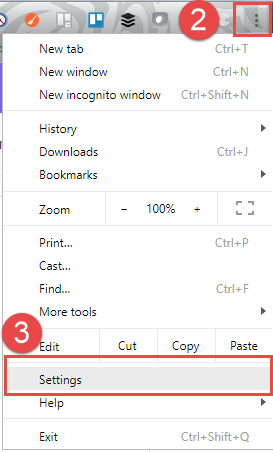
Click the menu button in the top-right corner.
Select Settings.
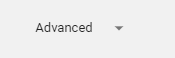
Scroll to the bottom and open Advanced settings.
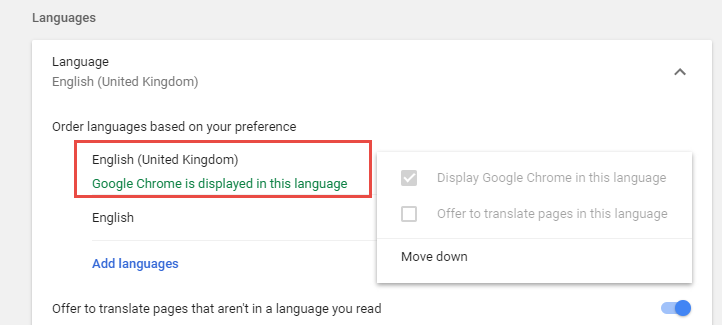
Scroll down to Languages.
Make sure English (United Kingdom) is at the top of the list. If it is not available, click Add languages to add it.
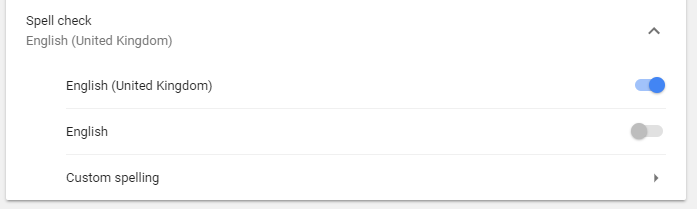
Under Spell check, use the slider to turn on English (United Kingdom).
You can now close the tab.
=> Your changes are saved and apply automatically.
If you have any more queries, please do not hesitate to contact our Helpdesk or support@tpro.io.
© 2020 - 2026